DDQ TUE 2020-10-13 @ 12:45 PM
21. Preliminary and Detailed Design
21.1. Agenda
General Announcements
Exam 1 grades are now available on eLC.
CSCI 4800H/6800 Paper Presentations begin THU 2020-10-15.
J.K. will present Ghosh et al. “Commanding and Re-Dictation: Developing Eyes-Free Voice-Based Interaction for Editing Dictated Text.” from the ACM Transactions on Computer-Human Interaction, August 2020. [2020FA:1]
Term Project: Milestone 3 details coming soon.
Activity
21.2. Activity
- fidelity
Refers to how closely a design matches the look-and-feel of the final system.
- architectural design
- preliminary design
For user experience and interaction design, preliminary design consists of mapping out the high-level concepts such as the user, controls, interface displays, navigation mechanisms, and overall workflow [Book:1].
- sketch
A simply or hastily executed drawing that designers use to propose, explore, refine, and communicate design ideas.
- wireframe
A low-fidelity sketch of a system or user interface that contains the most essential elements and content.
- detailed design
For user experience and interaction design, detailed design entails planning out all of the operations that take place between user and interactive system to a level where only implementation and technical details remain [Book:1].
- mockup
A mid or high-fidelity visual of a system or user interface that shows what the product is going to look like.
- prototype
A high fidelity representation of the final product which is meant to simulate user interaction. Unlike a wireframe or mockup, a prototype is often clickable and thus allows the user to experience content and interactions in the interface.
21.2.1. Tools
Pencil and Paper
Not everyone is experienced in graphic editors or prototyping apps like Axure, Balsamiq, Sketch or Photoshop, but everyone can draw on paper!
—Alexander Skogberg, UX Designer at inUse in Stockholm
Adobe XD
Adobe XD is a vector-based user experience design tool for web apps and mobile apps, developed and published by Adobe Inc. It is available for macOS and Windows, although there are versions for iOS and Android to help preview the result of work directly on mobile devices. Adobe XD supports website wireframing and creating click-through prototypes. A free starter edition is available from Adobe.
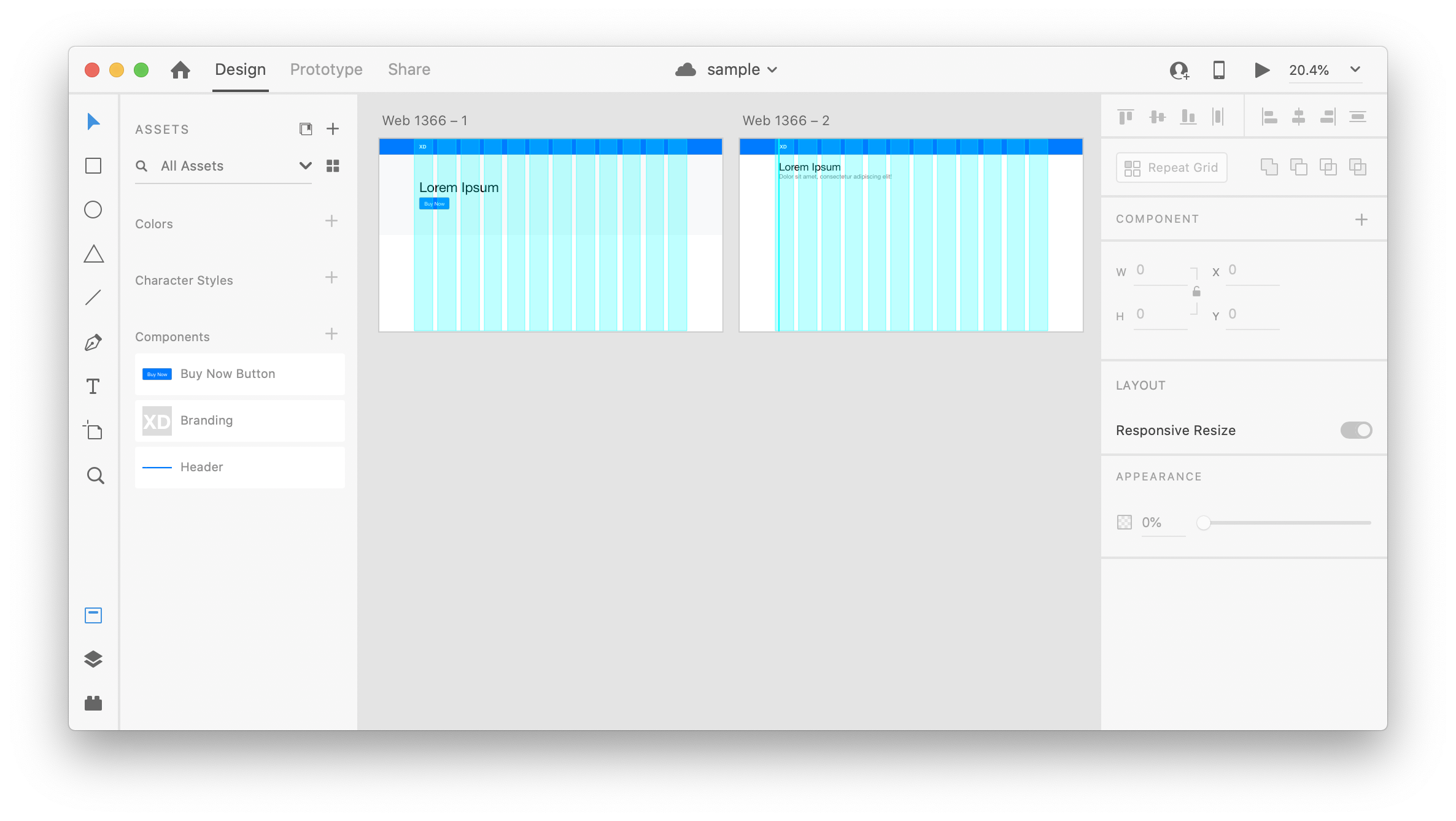
Fig. 21.1 Adobe XD Screenshot
Other Tools
Axure
Balsamiq Wireframes
Figma: Free for up to 2 editors and 3 projects.
Pencil Project: an open-source GUI prototyping tool that’s available for all platforms.
Sketch
UXPin
21.2.2. Breakout Rooms
The breakout room activity for this DDQ was updated and rescheduled for the Design Practicum: Wireframes DDQ on October 19th.