DDQ TUE 2020-08-25 @ 12:45 PM
2. Conceptual Models and the System Image
2.1. Agenda
General Announcements
F2F availability begins MON 08-31.
Term Project: Milestone 0: IRB Training
Why is this important?
Activity
2.2. Activity
2.2.1. Introduction
Duration: \(\sim\) 5 minutes
Recall that a conceptual model is a high-level, usually simplified, description of how a system is organized and works, and the system image is what can be perceived from a physical structure that has been built.
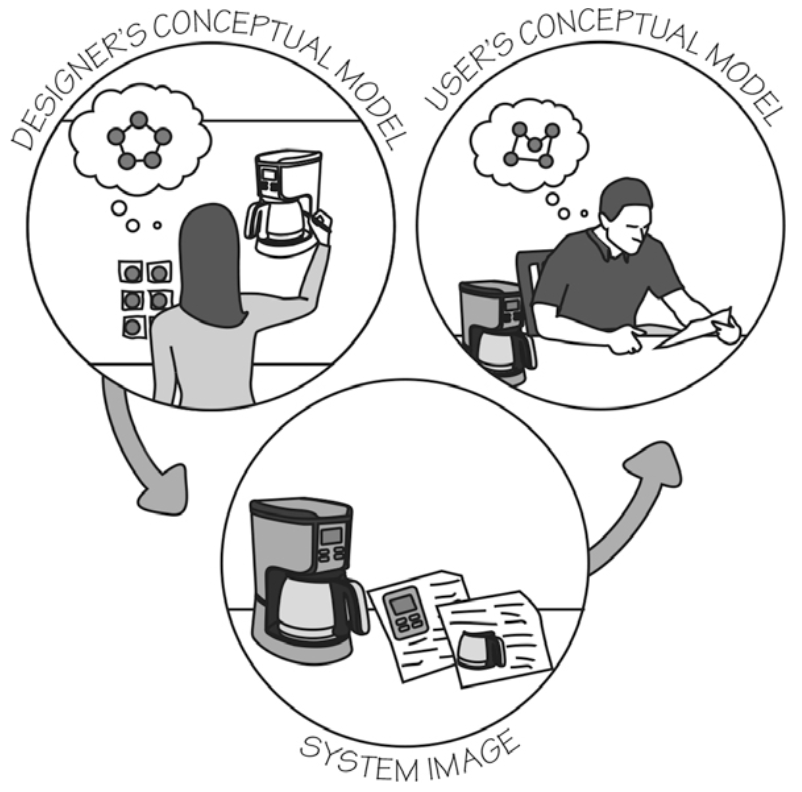
Fig. 2.1 The designer’s model, the user’s model, and the system image, as illustrated in Norman’s The Design of Everyday Things.
The designer expects the user’s model to be identical to the design model, but because dsigners cannot communicate directly with users, the entire burden of communication is on the system image.
—Norman, The Design of Everyday Things.
Whenever you use a product or system, your conceptual model for the system constantly updates based on your interaction and the system image. In this activity, let’s take away the interaction and focus on just the system image.
2.2.2. Breakout Rooms
Duration: \(\sim\) 20 minutes
Quick introductions, if needed.
Find the entry in this table corresponding to your breakout room number:
#
Name
Screenshot / Photo
1
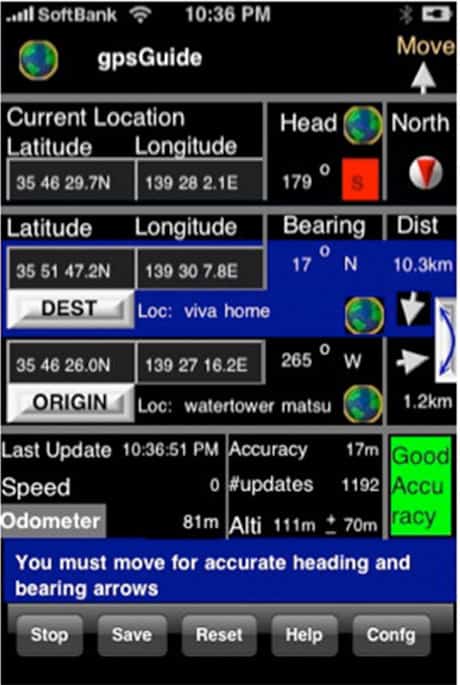
Weatherbug
2
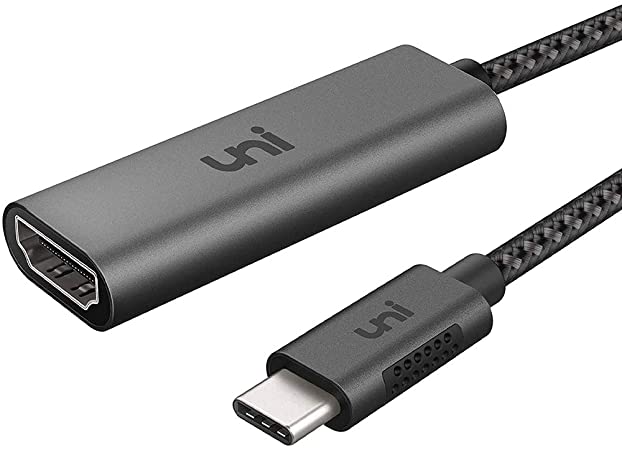
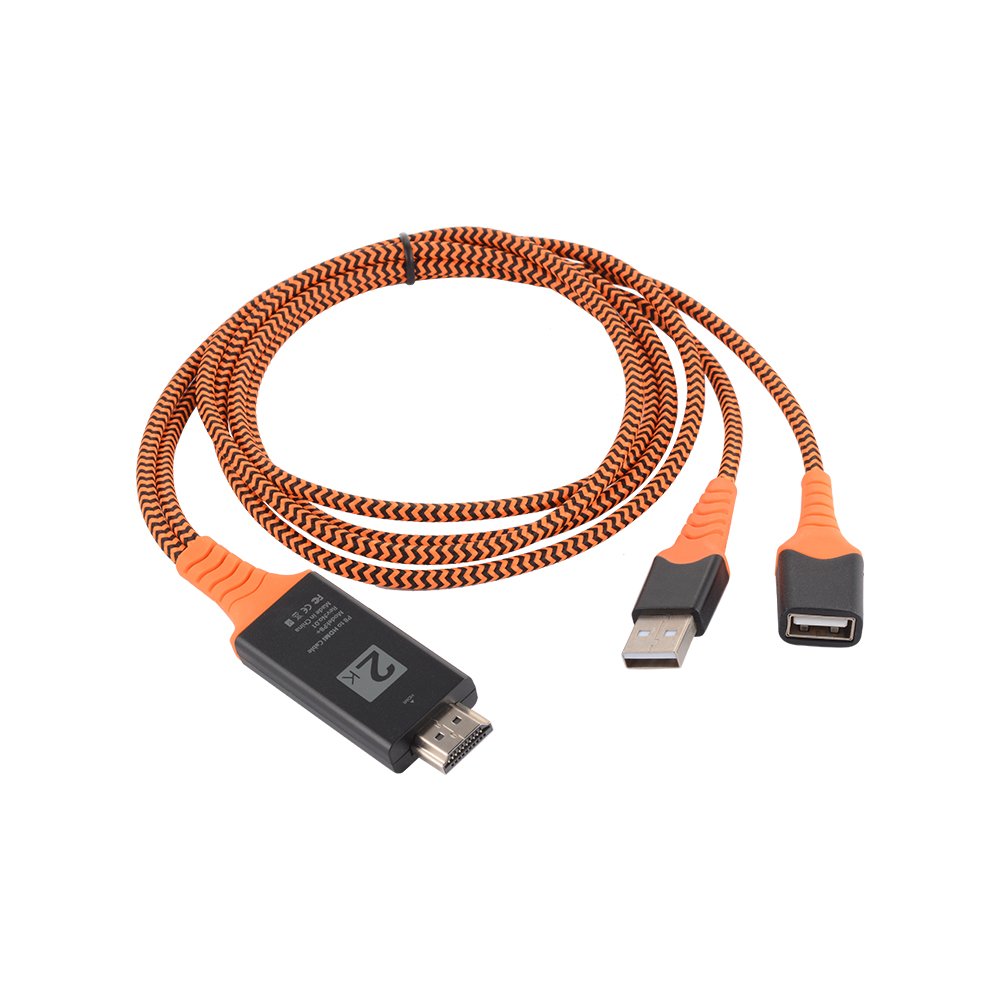
USB C to HDMI Adapter
3
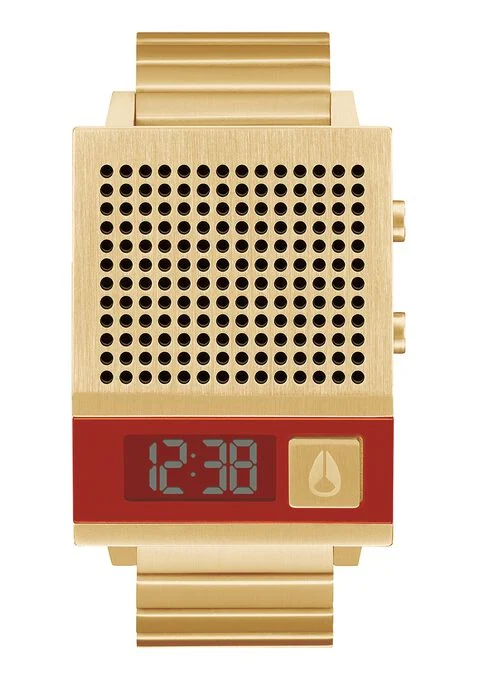
Nixon Watch
4
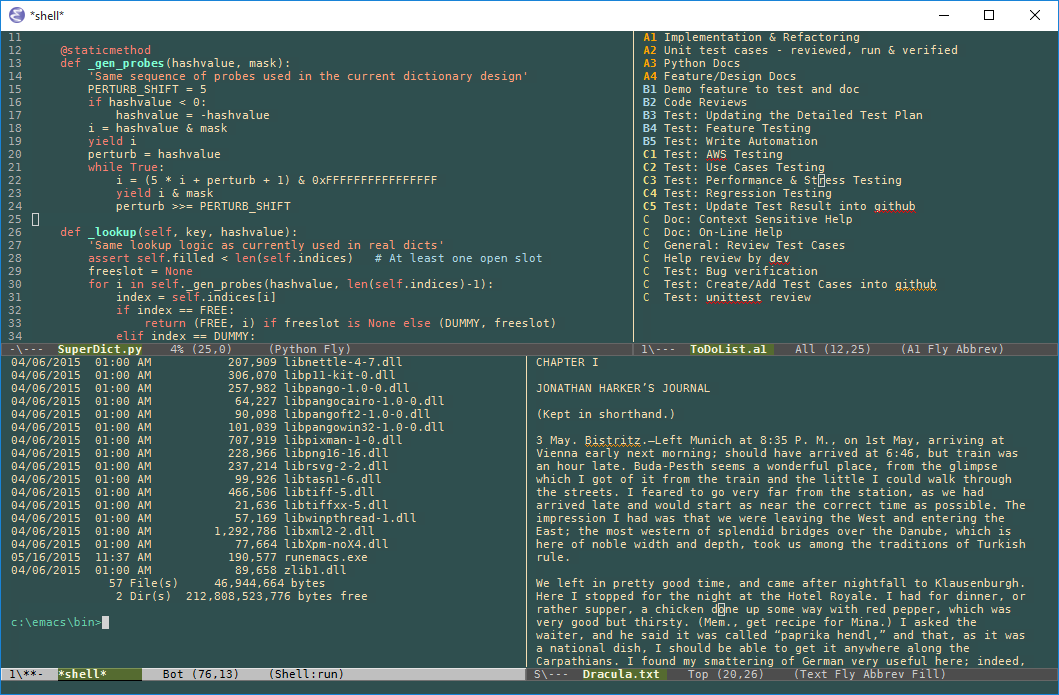
Emacs
5
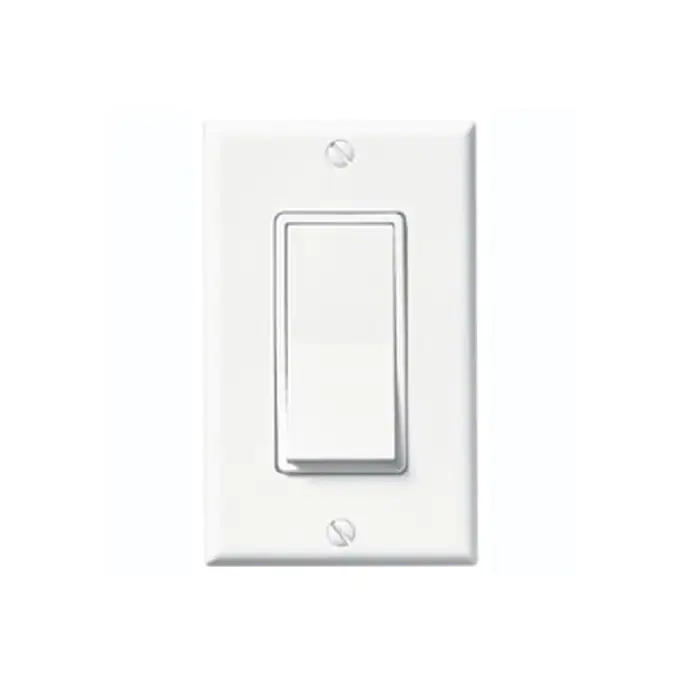
Switch
6
USB C to HDMI Adapter
7
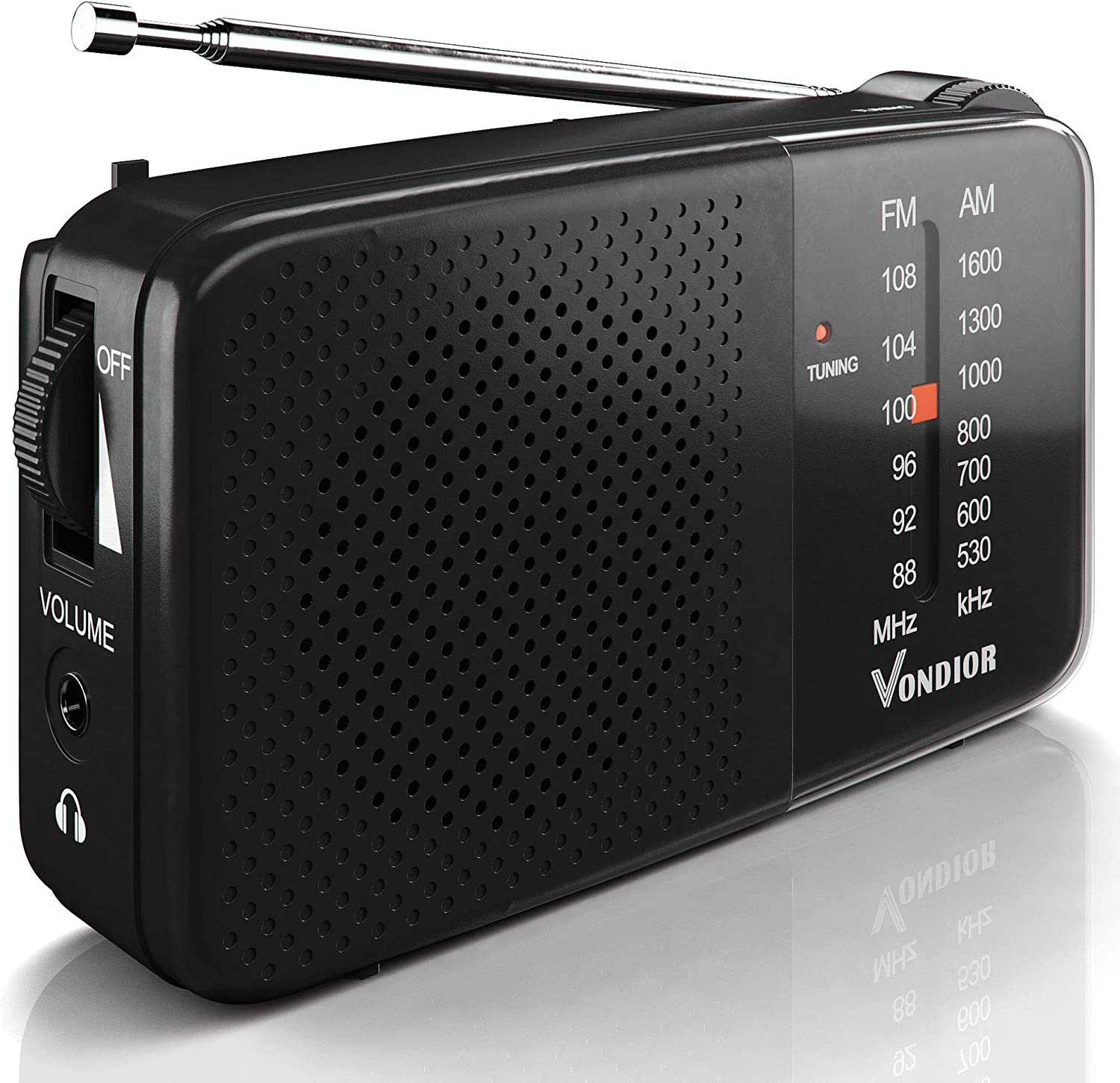
Radio
8
Phone
9
Mask
10
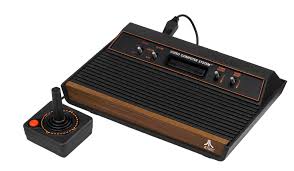
Atari 2600
Respond to the following in a followup discussion here.
Include a link to your group’s screenshot / photo.
List everything you can perceive about the system or product.
Collectively describe a conceptual model based on what you perceived. As you consider these questions, please be sure to note if there was any disagreement among members of the group.
What does it do? What do you think the different parts do?
How does it work?
For a few of the functions, what does the user need to do to make that happen?
List the names of your breakout group members.
Pick a group representative. This person will briefly share your group’s conceptual model to the class. No pressure, seriously!


2.2.3. Back in Class
Duration: \(\sim\) 20 minutes
When asked, all group representatives should type
repinto chat.The instructor may ask group representatives to present by name or simply ask that they present in the order they’re listed in chat.